Rummy Safety: Protect One-Time Codes During Account Recovery
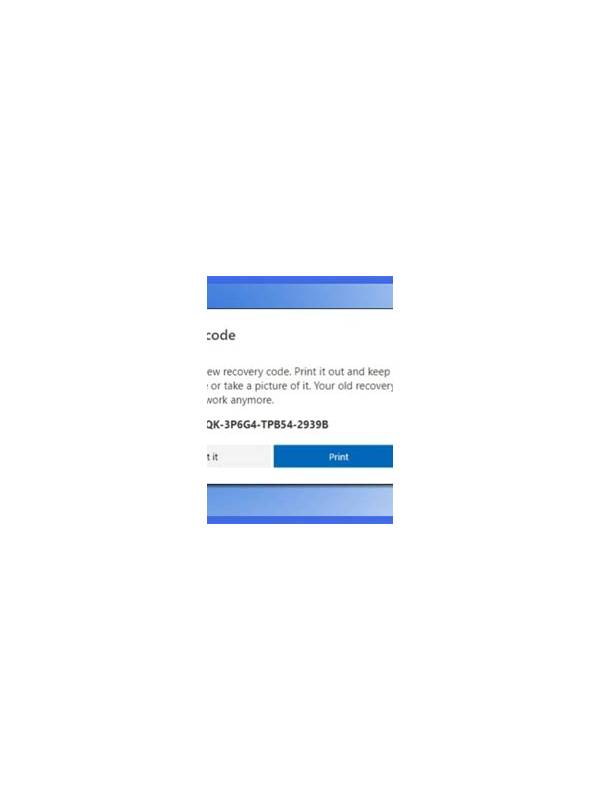
A code is not a support credential
One-time passwords and verification codes are designed to prove that the account owner controls a device or address. They should be entered only in the official app or website flow that you initiated. A person claiming to be support should not need you to read the code aloud or send a screenshot of it.
When a recovery message arrives, stop before tapping its link. Open the app from your normal icon or type the known address yourself, then check whether a recovery request is actually waiting. Unexpected urgency, threats of account suspension, or promises of instant bonuses are reasons to verify independently.
Do not store a code in a public note, forward it to a group chat, or leave it visible in notifications on a shared screen. If a code expires, request a new one through the same official process. Repeated messages may indicate that someone is attempting to access the account, so review sessions and change the password using the app’s trusted controls.
Keep the phone number or email used for recovery protected too. A strong account password cannot help if the recovery channel is openly accessible. Use a unique password and enable an additional security feature when the service offers one. Never install remote-control software at the request of an unverified helper.
The safest rule is simple: codes authenticate you to the service, not to another person. When in doubt, close the conversation and contact support through the route listed inside the app. A legitimate support team can explain the process without asking for the secret value.
If you entered a code into a page that now seems suspicious, act promptly through the official account controls. Change the password, sign out other sessions, and review security alerts. Do not continue the conversation with the sender while investigating. Keep a record of the time and channel for verified support, but leave the code itself out of that record.
Remember that a code can be exposed through a notification preview, screen recording, or shared device even when you did not deliberately send it. Clear old previews, lock the screen when stepping away, and use a private channel for official recovery. These habits protect both the account and the personal contact information attached to it.