Rummy Safety: Keep a Private Record of Account Alerts
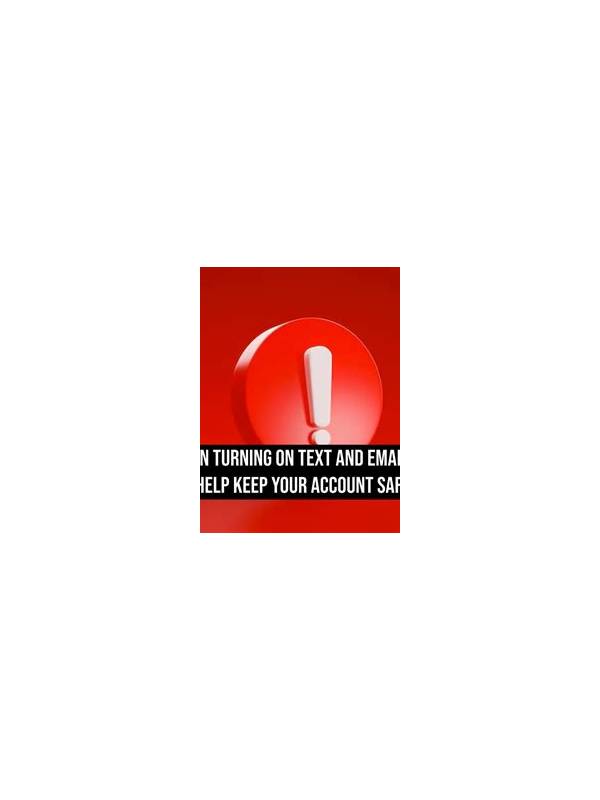
Account alerts can be useful evidence when a rummy app shows a login notice, payment message, or unusual session prompt. They can also contain information that should not be copied into public chats or shared screenshots. A private record balances both needs: preserve enough detail to explain what happened while protecting credentials, payment data, and personal identifiers.
Begin with the basics of the event. Record the date, approximate time, device type, and the action you were attempting. Write the alert in your own words rather than copying every field. If a reference number is necessary for official support, keep it in a private note and share it only through the service’s verified support channel. Never include passwords, one-time codes, full payment numbers, or recovery answers in the record.
Screenshots should be treated carefully. Before saving one, check whether it shows a phone number, email address, balance, transaction identifier, or notification preview from another app. Crop or redact information that is not needed. Keep the original only in a protected location if the official process explicitly requires it. Do not post the image in a group while asking strangers to interpret the message.
Use the app’s official help route to verify an alert. Type the address yourself or open support from inside the authenticated app, and be cautious of links arriving in unexpected messages. A real support representative should not need your password or a one-time sign-in code. If an alert concerns a payment or access change, pause further activity until you can confirm the account status through a trusted channel.
Review the record periodically and delete entries that no longer serve a purpose, especially from devices shared with others. A short, private timeline is enough: what happened, what you checked, and what action resolved it. This habit makes future troubleshooting clearer while reducing the amount of sensitive material stored on your phone. Good account safety is not just reacting to warnings; it is controlling how evidence about those warnings is collected and shared. If you need to contact support, prepare a short description that omits sensitive data and asks where a safe attachment can be sent. Check the support address from the app or official website. Keep copies of correspondence private, and remove unnecessary attachments when the issue is resolved. These habits help you solve a problem without creating a second problem through oversharing. Keep the note factual and brief. You do not need a full device history to explain one event. A date, a general alert description, and the safe action you took are usually enough for future reference.