Rummy Safety: Check Session History After a Device Change
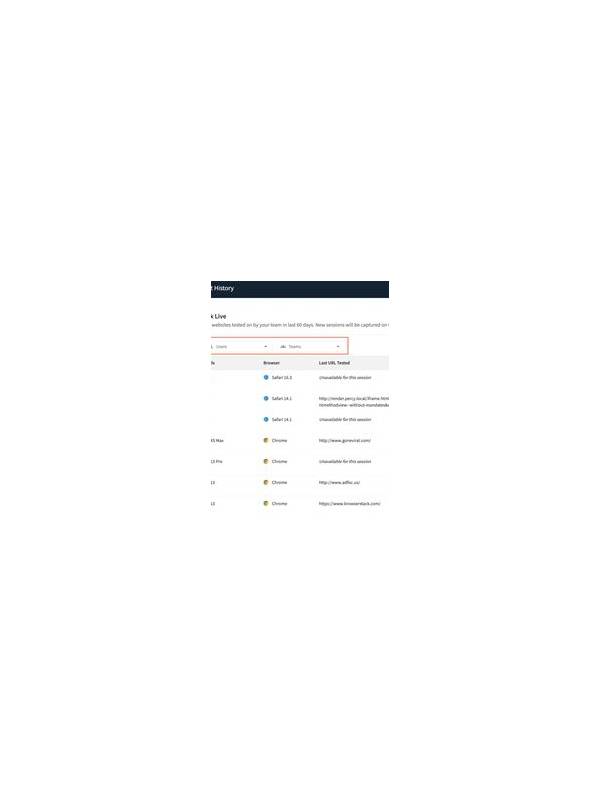
Changing phones, reinstalling an app, or moving to a new browser is a good time to review account sessions. Old devices may remain signed in, and a new device may not have the security settings you expect. A short check can reduce confusion later.
Use the account’s official security or active-devices page when available. Look for device names, approximate locations, and recent access times. Some entries may be generic or inaccurate, so treat unfamiliar details as a reason to investigate rather than proof of unauthorized access. End sessions for devices you no longer use, especially shared or borrowed equipment.
Check recovery details next. Confirm that the account’s recovery email or phone belongs to you and that no unexpected method has been added. Do not share a password or verification code with anyone offering to “verify” the change. If a setting cannot be changed through the official account area, use the service’s verified support path.
A device change is also a good moment to inspect notification previews and saved credentials. Disable previews on shared lock screens, remove passwords from public browser profiles, and use a reputable password manager on devices you control. Avoid signing in through links in unsolicited messages; navigate to the official app or site independently.
If session history shows something you do not recognize, preserve the basic date and device description without posting it publicly. Change the password from a trusted device, sign out other sessions, review account activity, and contact official support. If payment information is involved, follow the provider’s separate fraud procedure.
Security checks do not need to interrupt ordinary play. Make them part of the device-change routine, then return attention to the game only after access and privacy are clear. Account safety is a practical part of responsible online play.
Do the review before adding payment details or starting a high-attention session on the new device. Confirm that the operating system is updated, the screen lock is enabled, and the application came from a trusted source. These checks do not prove that a service is safe, but they reduce avoidable exposure. If the new device is borrowed, use the minimum access needed and sign out as soon as the task ends. Avoid installing unofficial helpers or remote-support tools merely to solve a login problem; use the service’s documented recovery process instead. If a device is lost, use the account’s official session controls promptly rather than waiting for a suspicious event.