Rummy Safety: Make a Device Exit Checklist
Leaving an account open on a shared device can expose more than the game itself. Another person may see profile information, transaction history, messages, or saved payment details. A short exit checklist makes secure habits easier to repeat, especially when a session ends unexpectedly.
Begin by ending the session through the application’s own sign-out control where available. Do not assume that closing a window logs you out. If the device is shared, check whether the browser or operating system saved a password, autofill entry, or session token. Remove saved information only when you understand whose account it belongs to and have permission to change the device settings.
Review visible notifications and recent pages. A message preview can reveal private information even after the application is closed. Clear only data you are authorized to clear, and avoid using shared-device features that delete another user’s records. The safest long-term option is to use a separate profile or a personal device for account activity.
Check downloads and permissions if you installed or opened anything during the session. An unfamiliar file should not be opened merely because it has a game-related name. Keep the device’s operating system and security tools updated, and do not disable protective warnings to make a page load.
If you used a public computer, do not enter sensitive credentials again just to confirm that you signed out. Instead, use the service’s trusted account-security page later from your own device to review active sessions and revoke access if the service provides that feature. If you suspect exposure, change credentials through the official route and contact verified support.
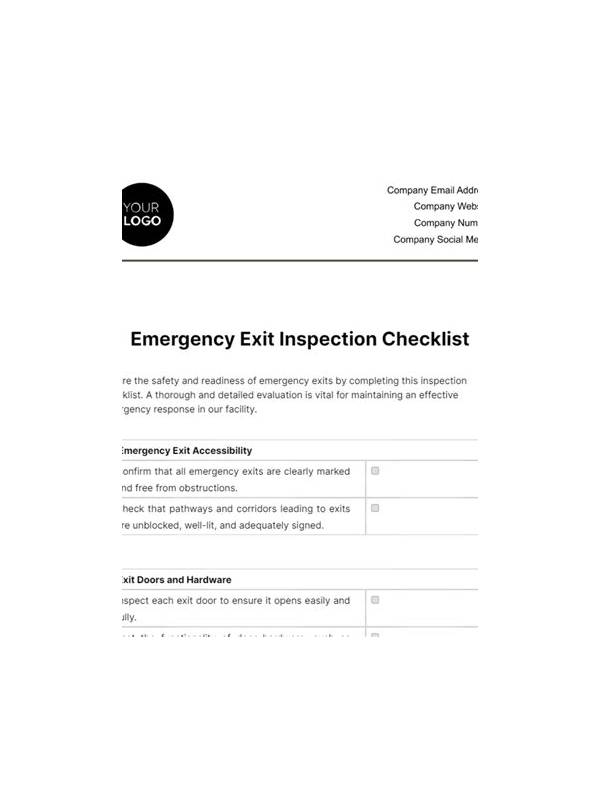
The checklist can be as short as: sign out, close the session, inspect saved data, check notifications, and leave the device locked. Repetition matters more than complexity. A calm exit protects privacy after the game is over.
Make the checklist automatic by performing it in the same order each time. A fixed sequence is easier to remember after a tiring session than a long collection of warnings. If the device belongs to someone else, respect their files and settings while still protecting your own account. Security and courtesy can be maintained together. If you cannot complete the checklist because the device is malfunctioning, leave the site and use a trusted device to review active sessions later. Do not remain logged in while troubleshooting in public. A delayed review is safer than entering more credentials into an unfamiliar or unstable environment.