Rummy Safety: Keep Notifications From Revealing Account Details
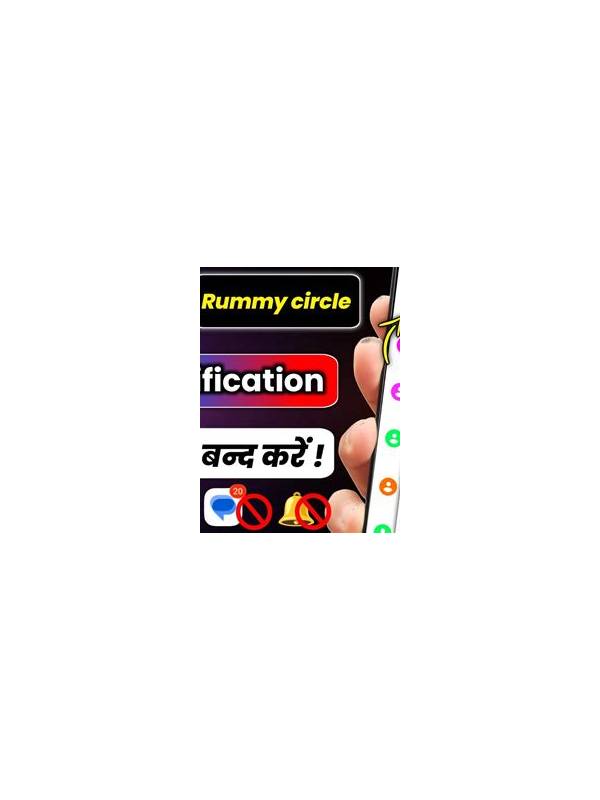
Notifications can reveal more than a player expects. A lock-screen preview may show an account name, transaction message, or support conversation to anyone near the device. A few privacy settings can reduce accidental exposure without affecting ordinary play.
Review notification previews first. On many phones, you can hide sensitive content while keeping a simple alert visible. Choose settings that fit your situation, especially if family members, coworkers, or visitors may see the screen. Do not rely only on the application’s own privacy setting; the operating system may display messages separately.
Use a strong device lock and enable an additional account protection method when the service offers one. Avoid saving passwords in plain notes or sharing a logged-in device. If you use a shared phone or tablet, sign out after the session and check that the service did not remember payment or identity details without your intention.
Be cautious with screenshots and screen recordings. They may capture usernames, balances, private chats, or payment references. Store them securely and remove them when they are no longer needed. If you contact support, crop or redact unrelated information before uploading evidence, and use only the official support route.
Treat notification links as untrusted until verified. A message that creates urgency about a prize, failed withdrawal, or account suspension may be attempting to collect credentials. Open the official application or type the known service address yourself instead of tapping a questionable link. Never share a password or one-time verification code with a person claiming to be support.
Check app permissions periodically. A rummy application should not need broad access unrelated to its function, and unusual permission requests deserve review. Keep the operating system and official app updated from trusted sources. Privacy is part of account safety: small changes to previews, locks, permissions, and sharing habits can prevent a minor notification from becoming a serious security problem.
Review these settings after lending your device, changing a password, or installing a new version of the app. Updates can reset notification behavior or introduce new permission prompts. If an alert exposes more information than expected, close the preview, change the setting through the device controls, and verify account activity through the official service. Prompt attention limits the damage from accidental disclosure.
If you suspect that someone viewed private account information, change the password through the official service and review recent activity. Contact support using verified details, and do not investigate through links in the suspicious notification itself.