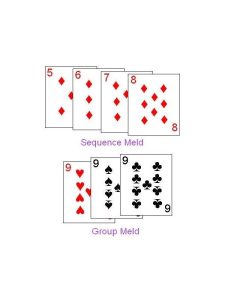
Rummy Safety: Use Public Wi-Fi Carefully During Play
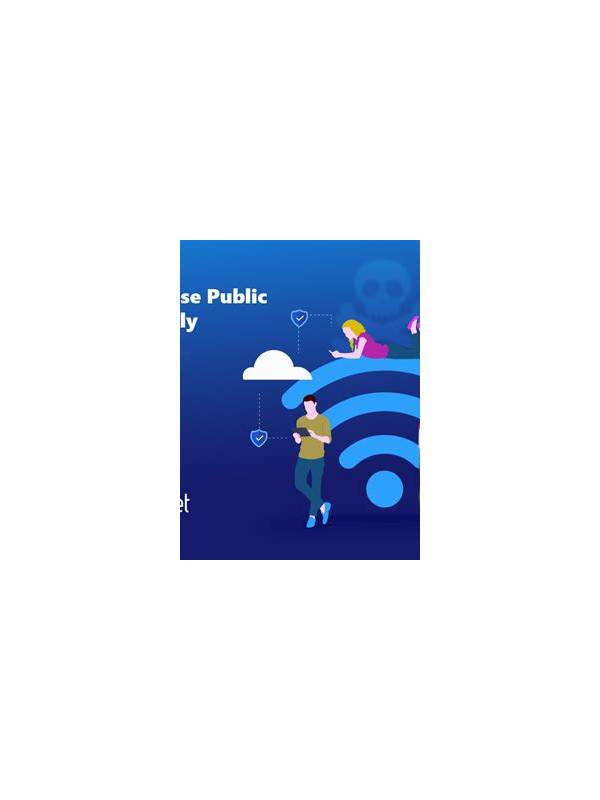
A public network is not automatically unsafe, but it gives you less control over the connection and its sign-in page. Before opening a rummy account, confirm that you are using the official app or a bookmarked official address. Do not follow a link in an unexpected message just because the network has a familiar name.
Prefer a trusted mobile connection or a personal hotspot for account access and transactions. If you must use public Wi-Fi, avoid saving passwords, disable automatic connection to unknown networks, and sign out when finished. A network login page should not require your game password or payment credentials.
Watch for connection symptoms. Repeated drops, an unexpected certificate warning, or a page that redirects through unfamiliar domains is a reason to stop. Do not disable security warnings to continue. If a game is interrupted, use the platform’s official reconnection process and check the action history before making another move.
Keep financial actions separate from casual play when possible. A stable private connection and a deliberate review are better for deposits or withdrawals than a rushed action on a shared network. Never enter one-time codes into a page opened from an unsolicited message.
Public spaces also create physical privacy risks. Lock your screen when stepping away, use a privacy angle if practical, and avoid discussing account details aloud. At the end of the session, forget the network if the device is shared or temporary.
These steps cannot remove every network risk, but they reduce avoidable exposure. Use trusted connections for sensitive actions, treat warnings as meaningful, and keep account recovery information private.
If you are unsure whether a network is legitimate, postpone the sensitive session. A missed game is easier to recover from than a compromised account or an irreversible transaction.
Keep support contacts bookmarked from a verified source so you do not search for them while stressed. This small preparation step helps you avoid look-alike pages and rushed decisions. Battery and device behavior matter too. A low battery, aggressive power-saving mode, or crowded public network can increase the chance of an interruption at a poor moment. Charge before starting, close unnecessary apps, and keep the device’s normal security updates enabled. These are ordinary maintenance steps, but they reduce the temptation to use an unverified workaround when the screen freezes. If you are playing in a shared location, position the device so other people cannot easily read the hand or account notices. Digital and physical privacy support each other.